
-
 Pick up from the Woodmart Store
-
 Courier delivery
-
 DHL Courier delivery
SPECIFICATIONS
Application: Laptop
Black and White Response Time: 3 ms
Bracket Type: Ordinary Bracket
Brand Name: XAITH UCKY
Brightness: 300 cd/m
Built-in Speaker: Yes
Choice: yes
Contrast Ratio: 1200:1
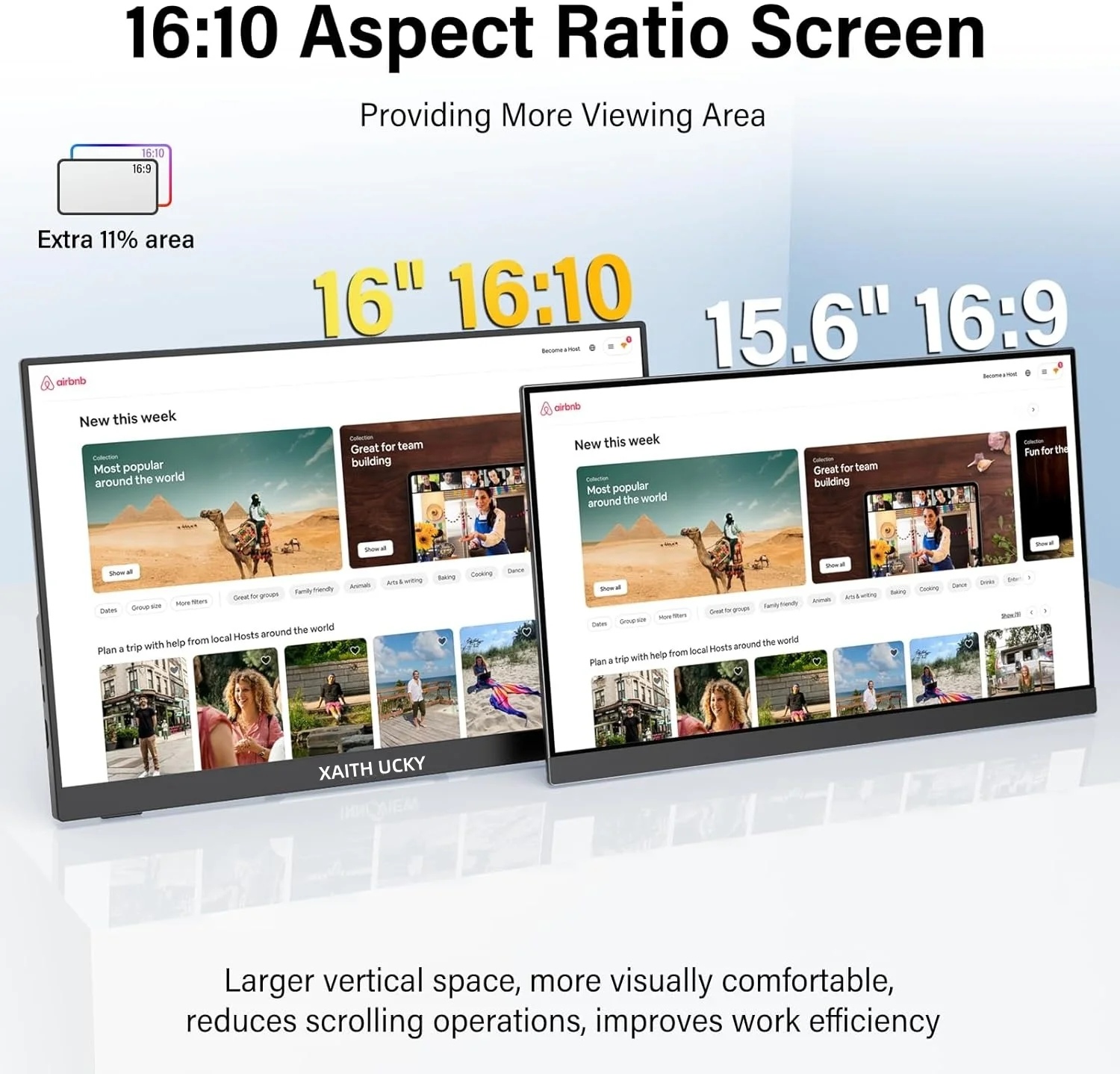
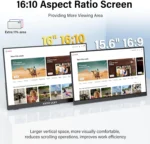
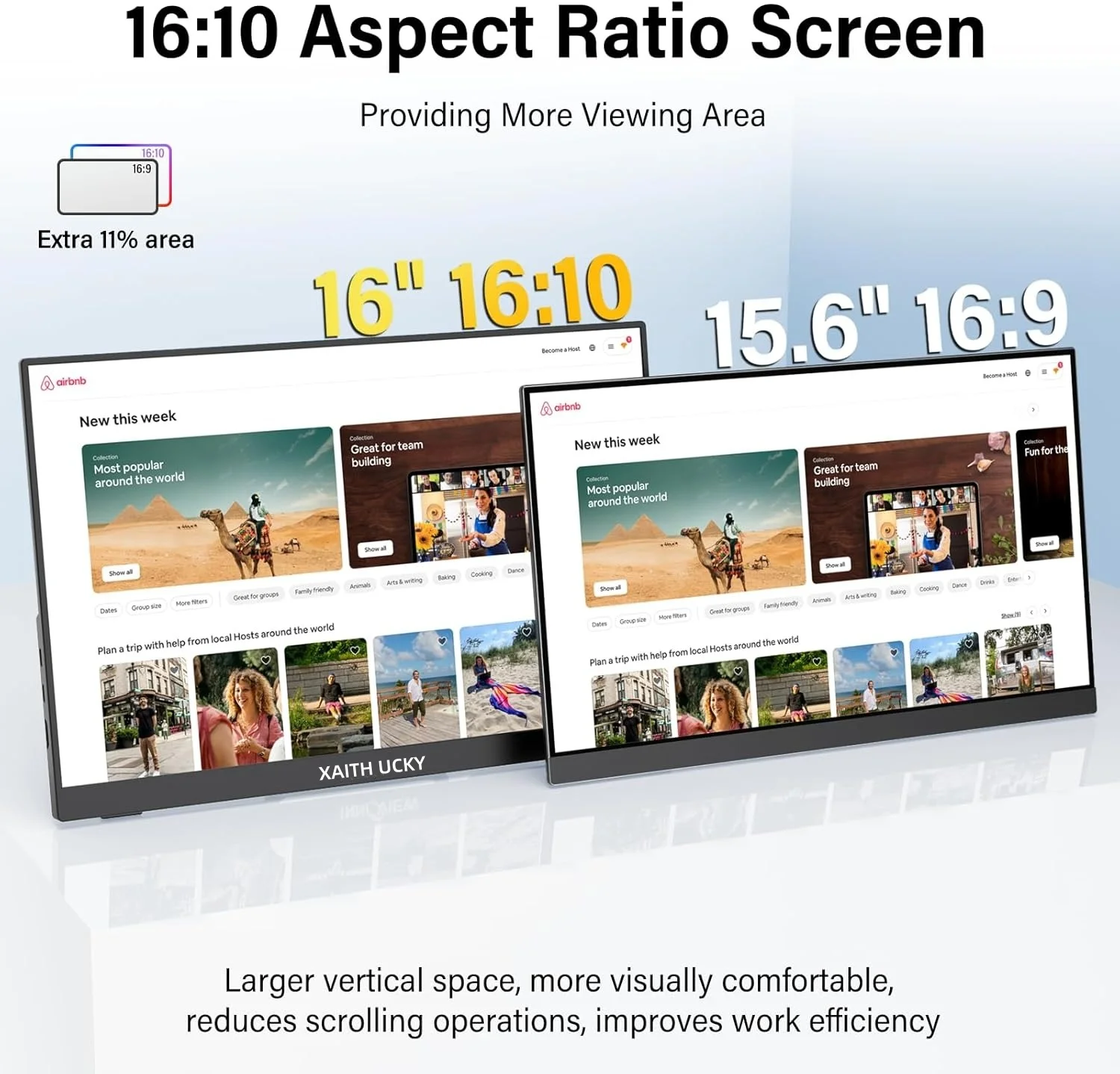
Display Ratio: 16:10
Feature: Usb port,Speaker,Touch Screen
High-Dynamic Range: HDR10
High-concerned chemical: None
Horizontal Viewing Angle: 178°
Interface Type: Type-C
Matrix color depth: 10 bit
Origin: Mainland China
Panel Type: IPS
Products Status: STOCK
Refresh Rate: 60 Hz
Refresh rate sync technology: Adaptive Sync
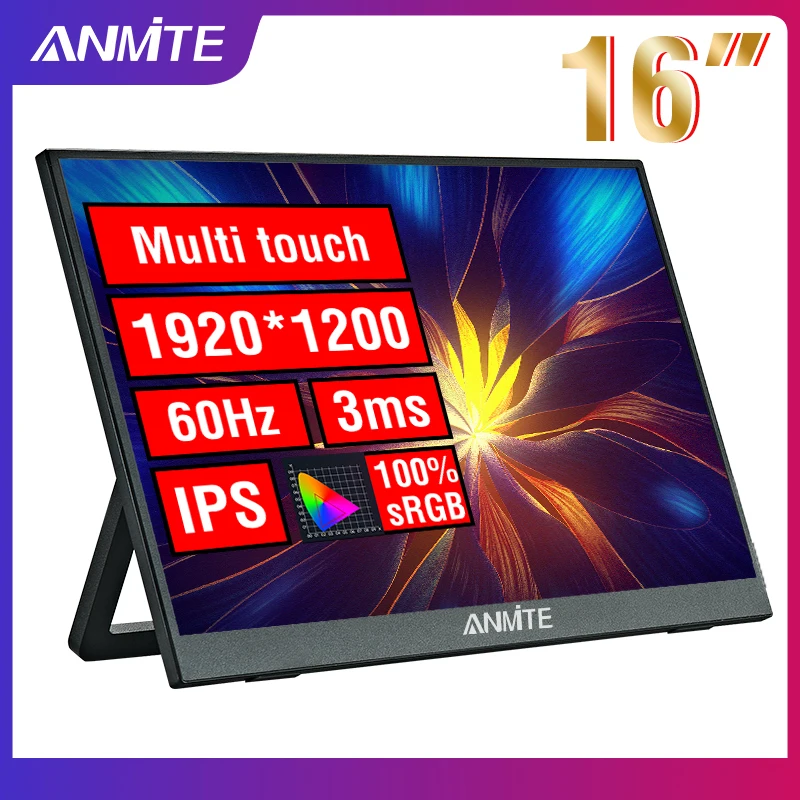
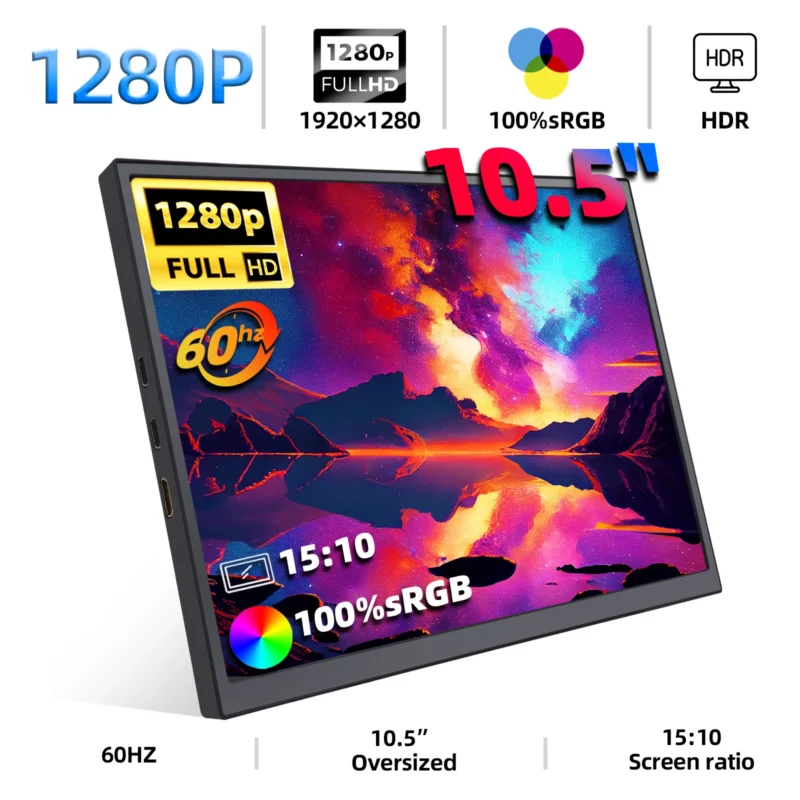
Resolution: 1920×1200
Response Time: 3ms
Screen Type: WLED
Screen curvature: NONE
Screen surface: MATT
Vertical Viewing Angle: 178°
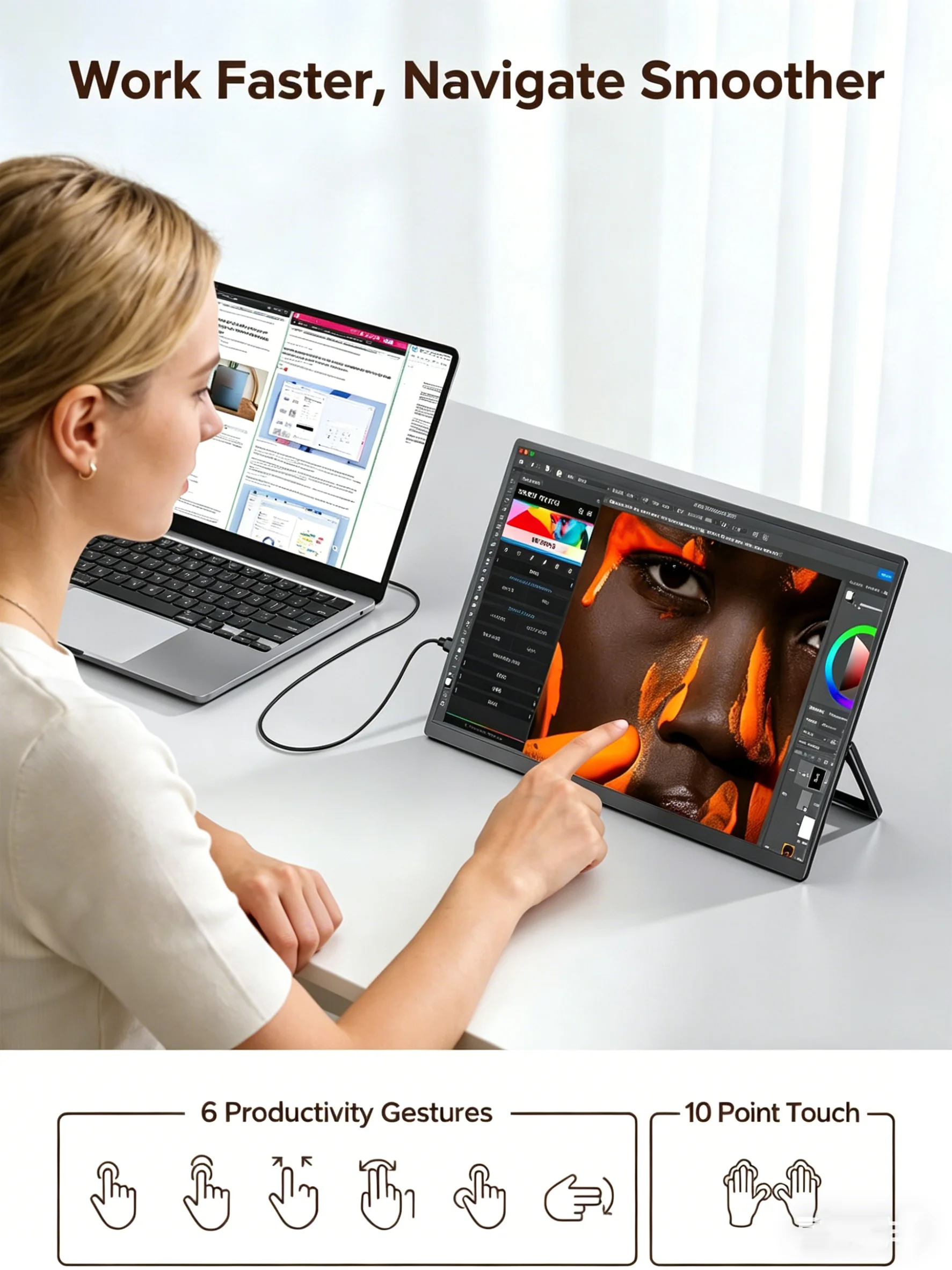
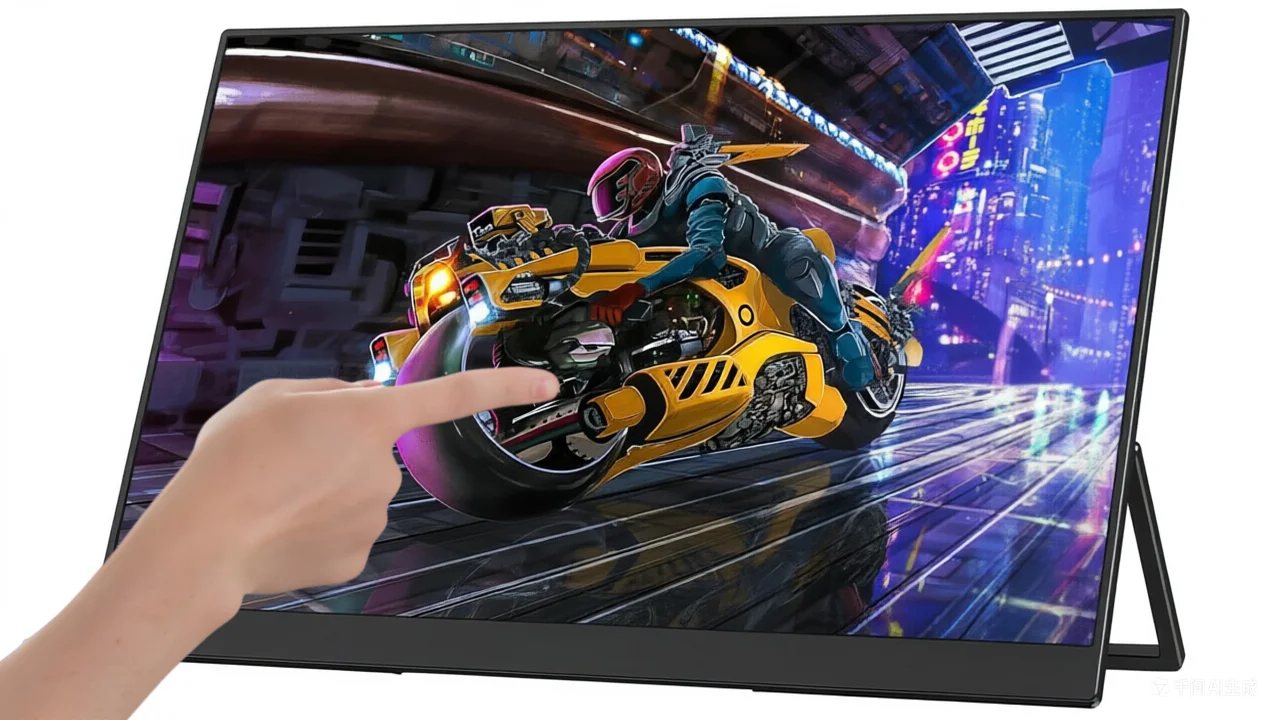
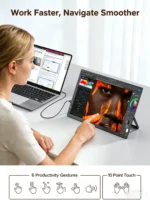
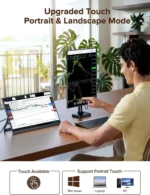
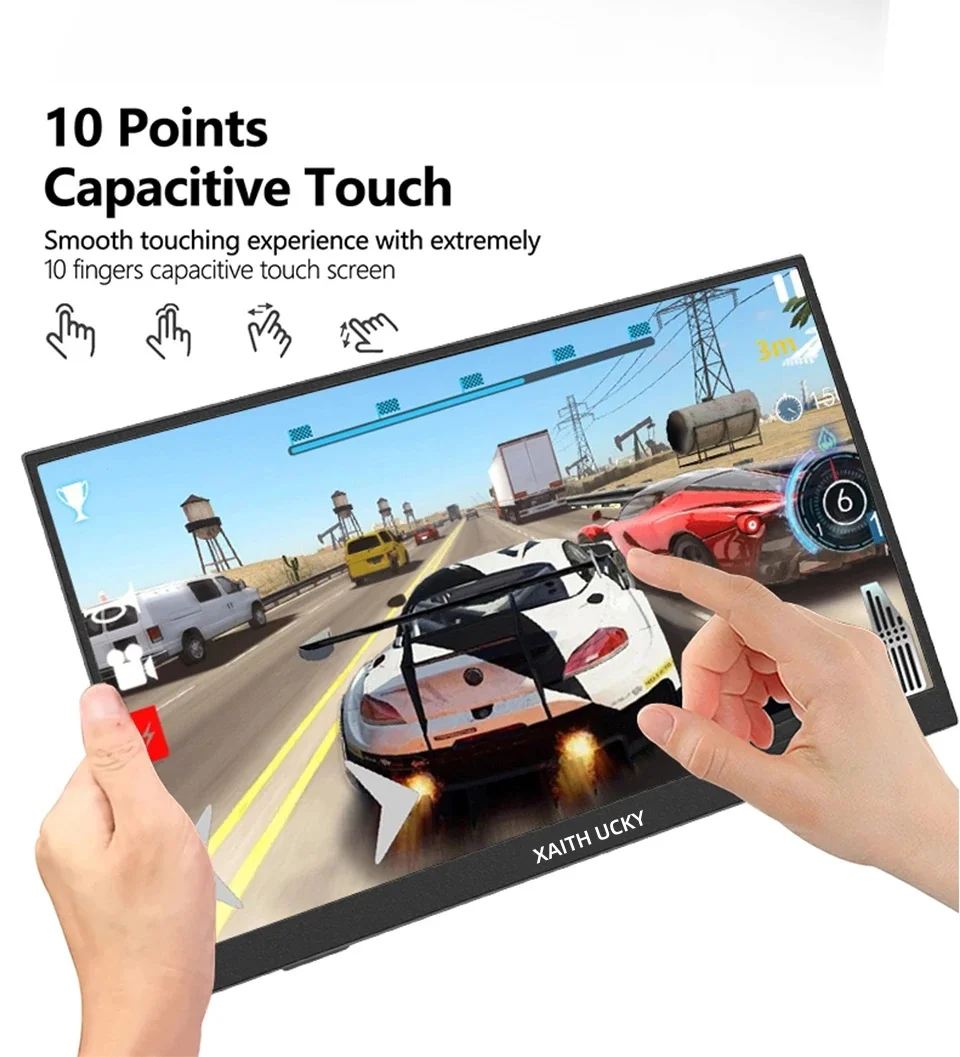
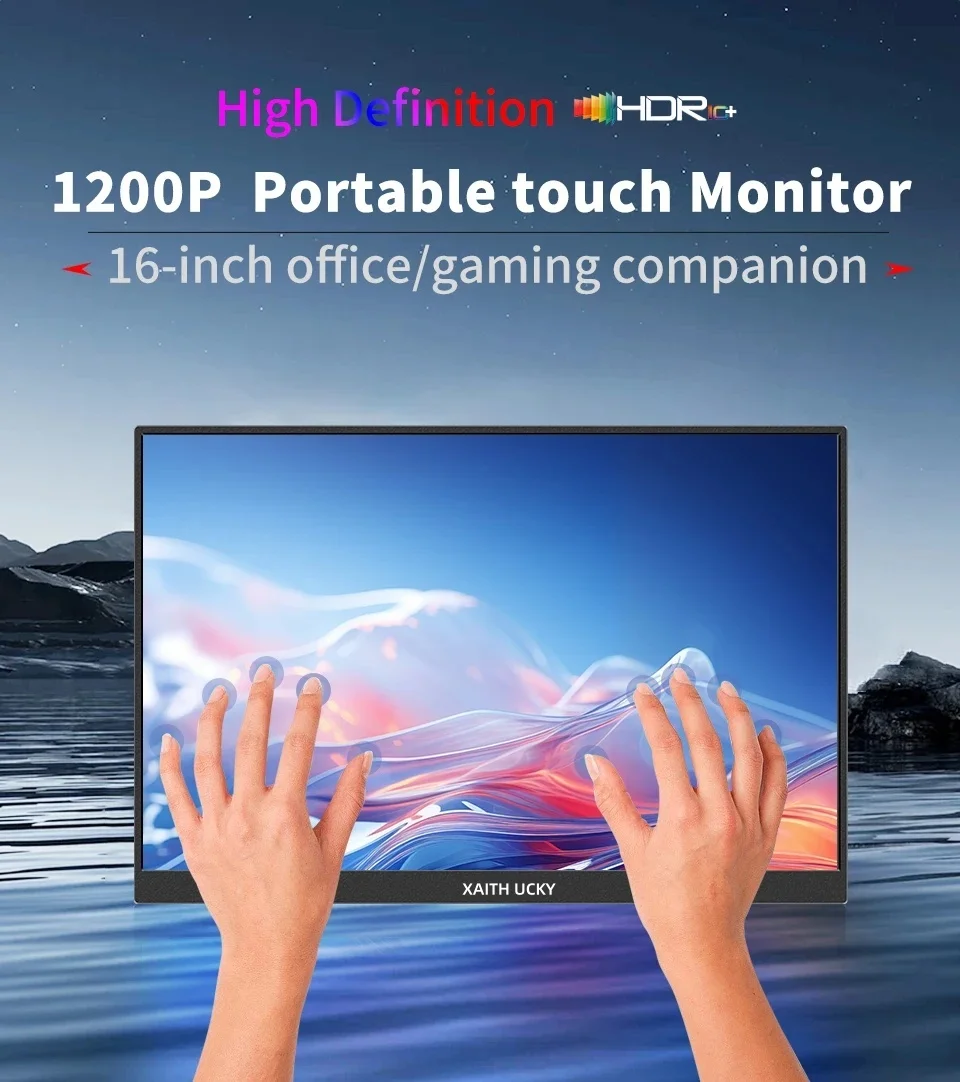
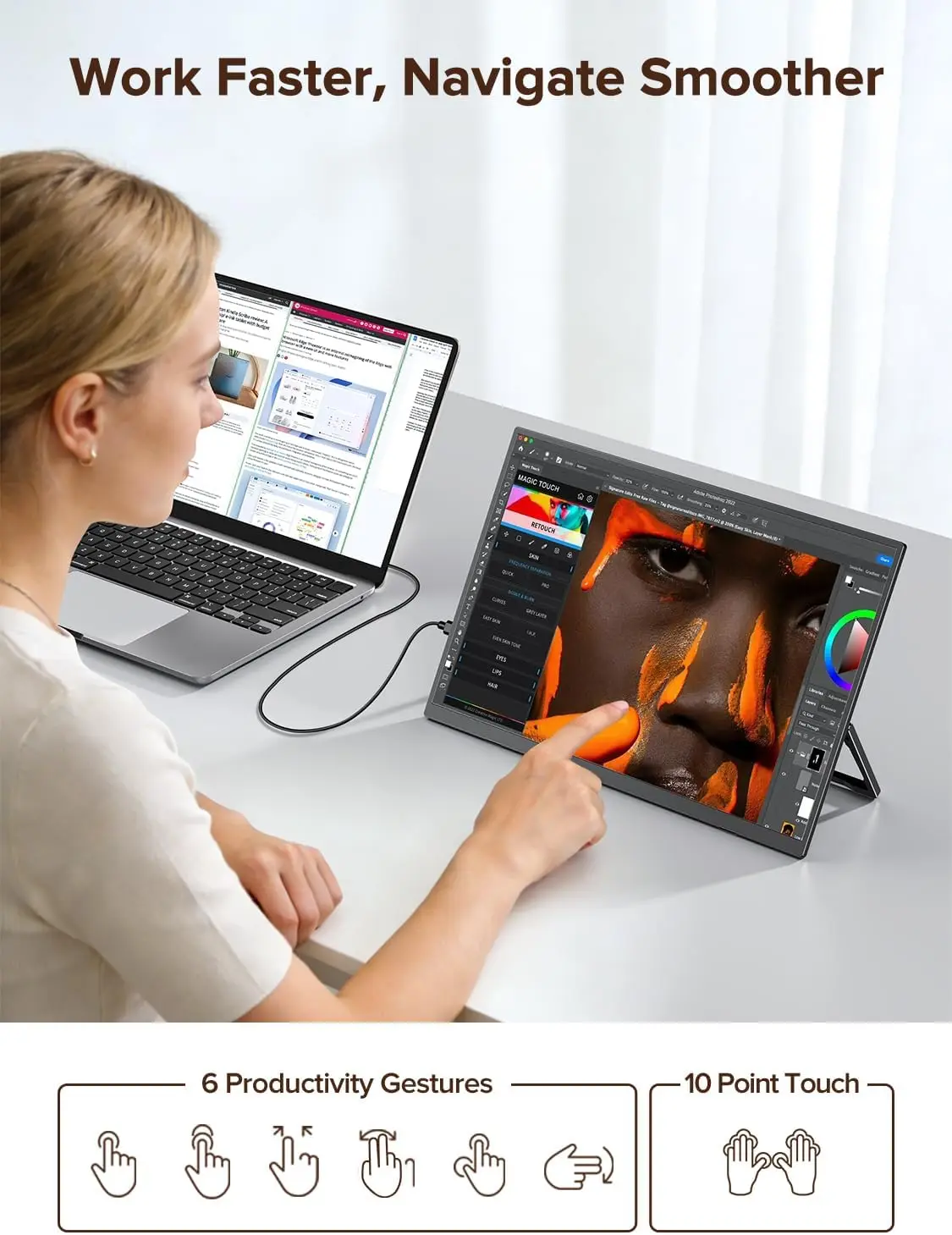
【10-Point Precise Touch Experience】
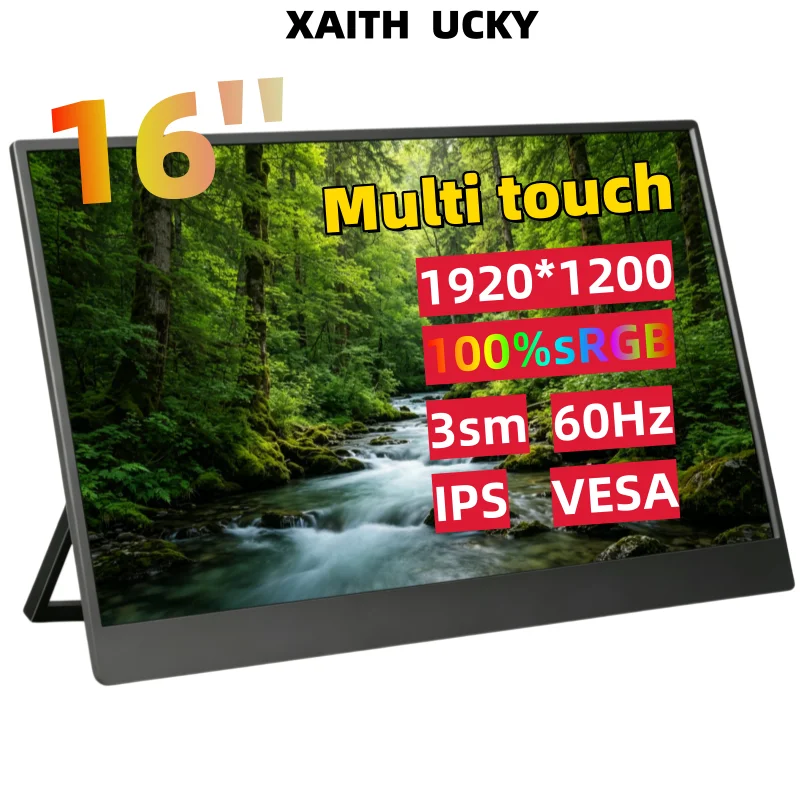
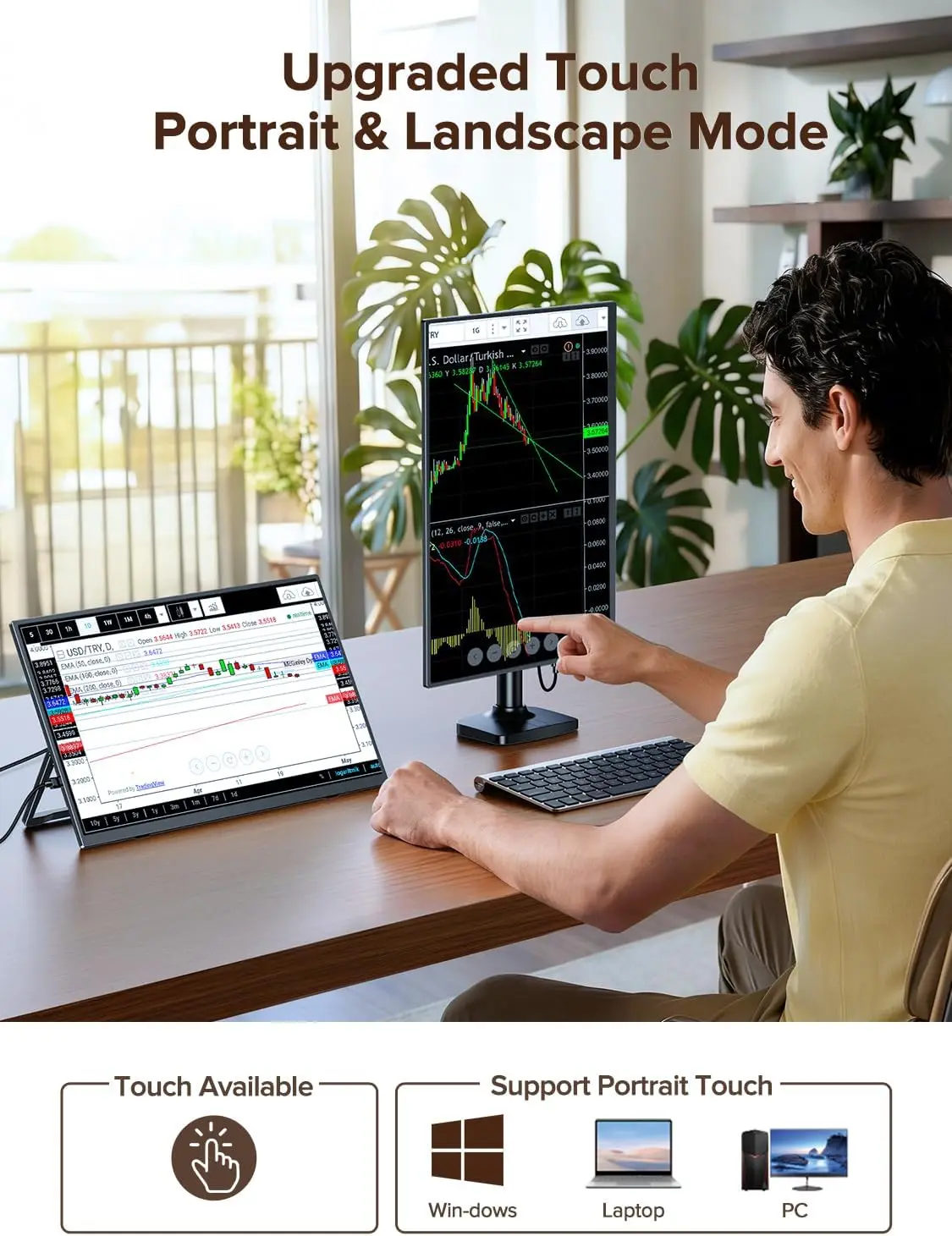
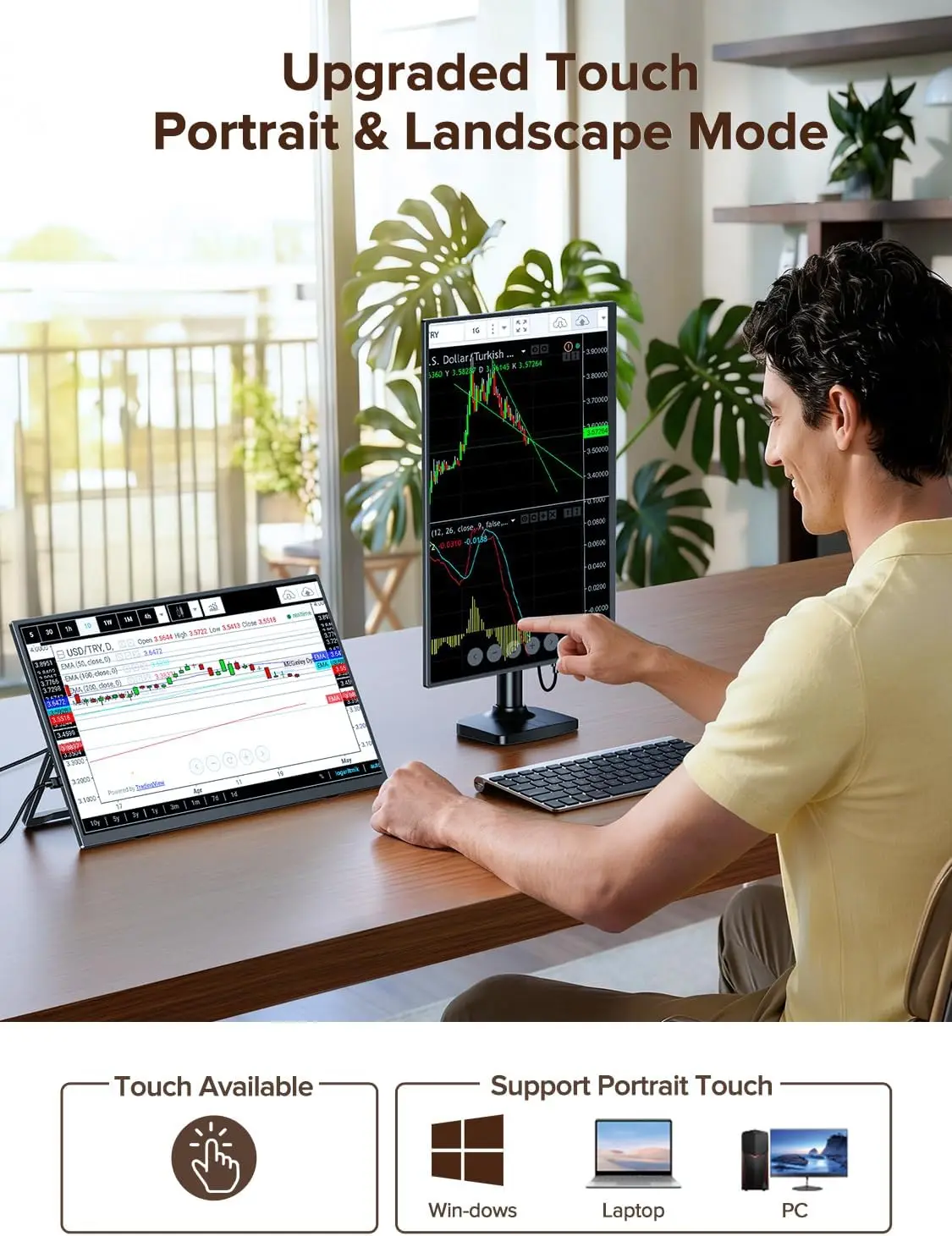
The XAITH UCKY portable touch monitor features 10-point capacitive touch technology with fast and sensitive response, enabling smooth zooming and precise sliding. It supports passive stylus input (stylus not included). The optimized touch function also supports portrait mode (only for Windows laptops and desktop PCs).
Note: Multi-touch is not supported on some devices.
【Ultra-Slim, Ultra-Light & Portable】
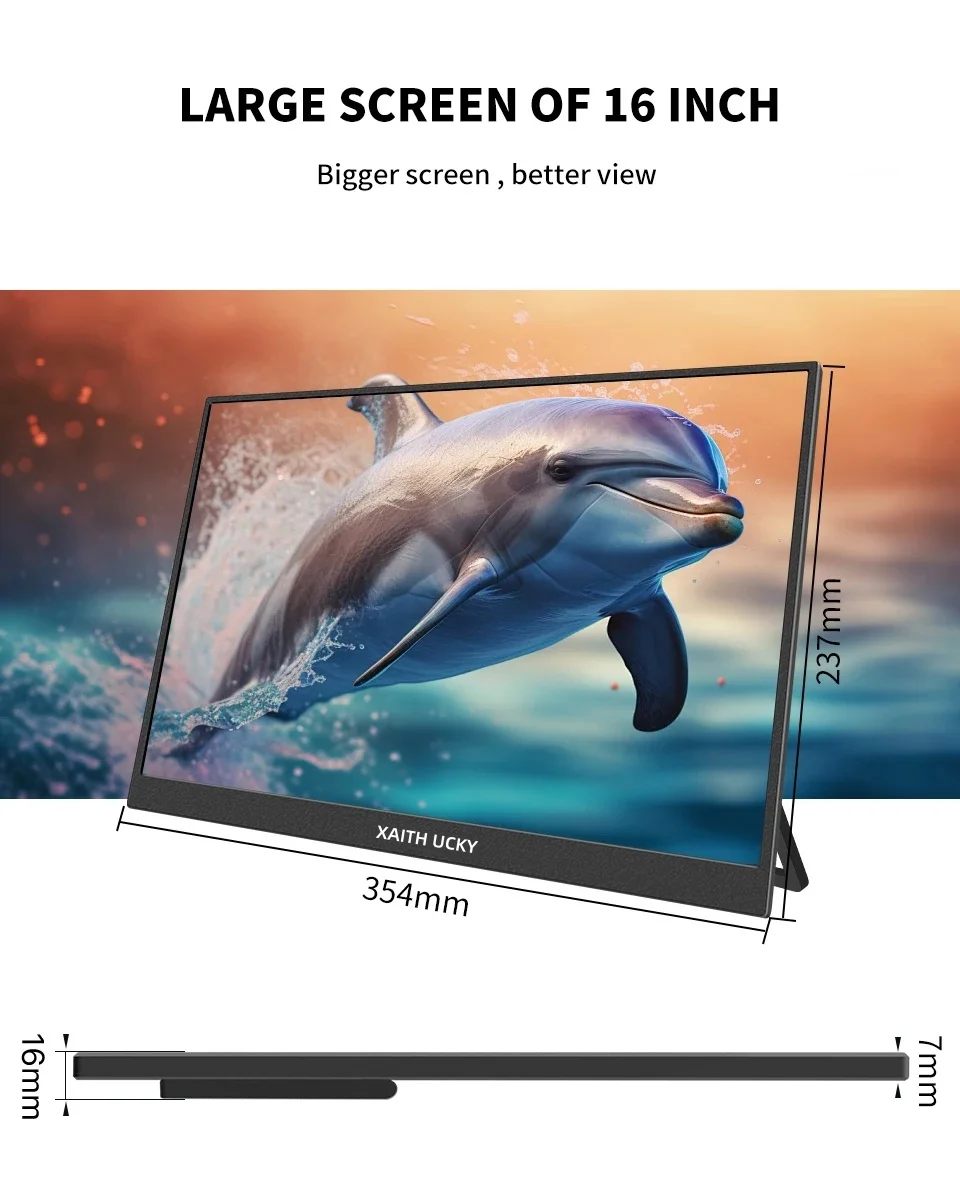
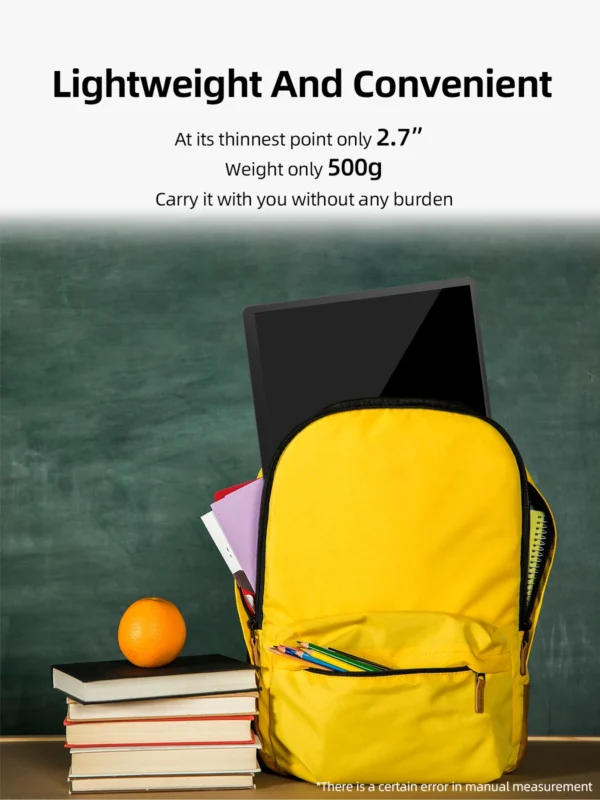
This portable touchscreen is only 6mm thick and weighs just 0.69kg. With a 4mm narrow bezel, it fits easily into any backpack. Ideal for business trips, travel or mobile work. Enjoy the freedom of this on-the-go portable display.
【Vivid Colors & High Contrast】
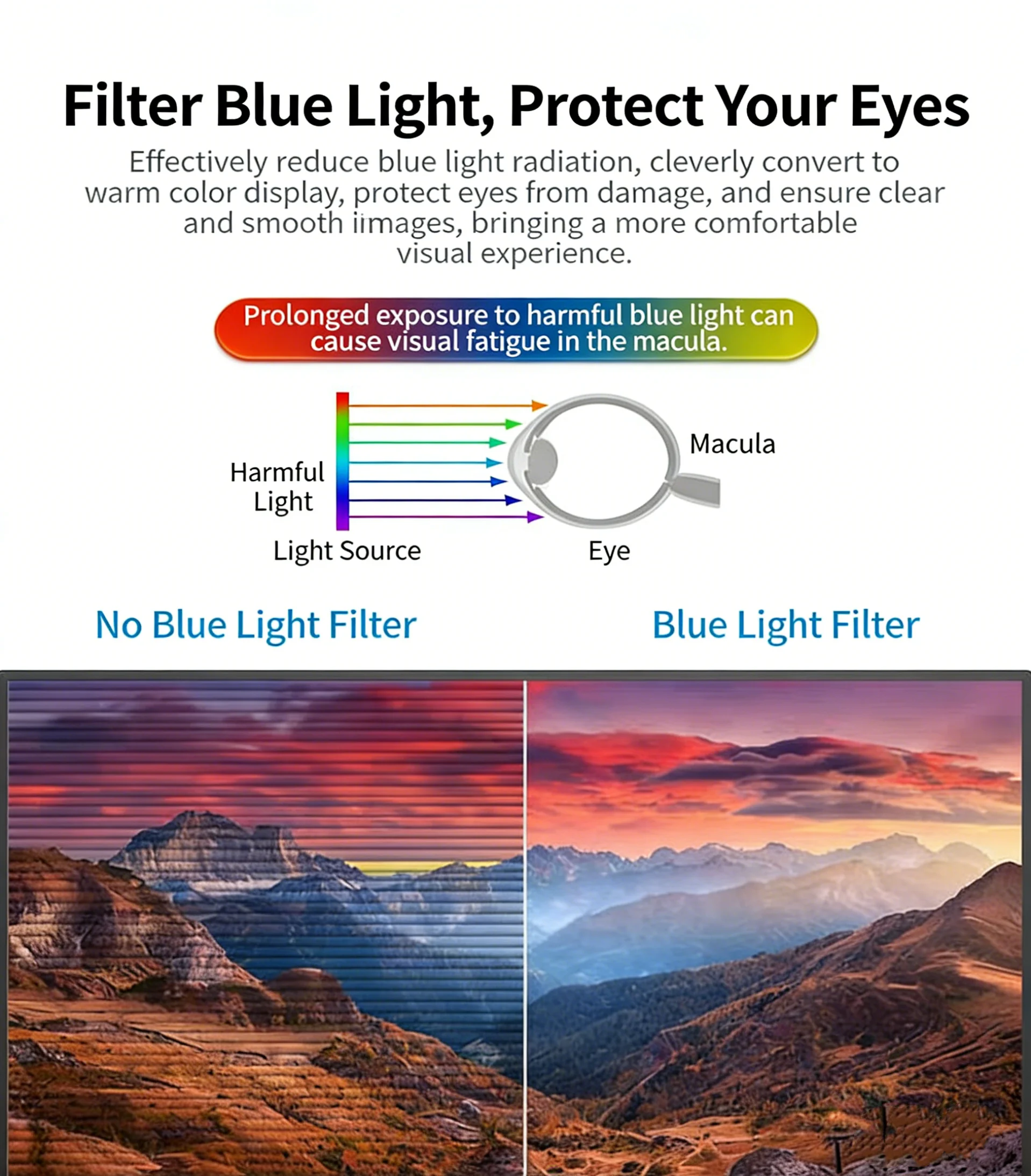
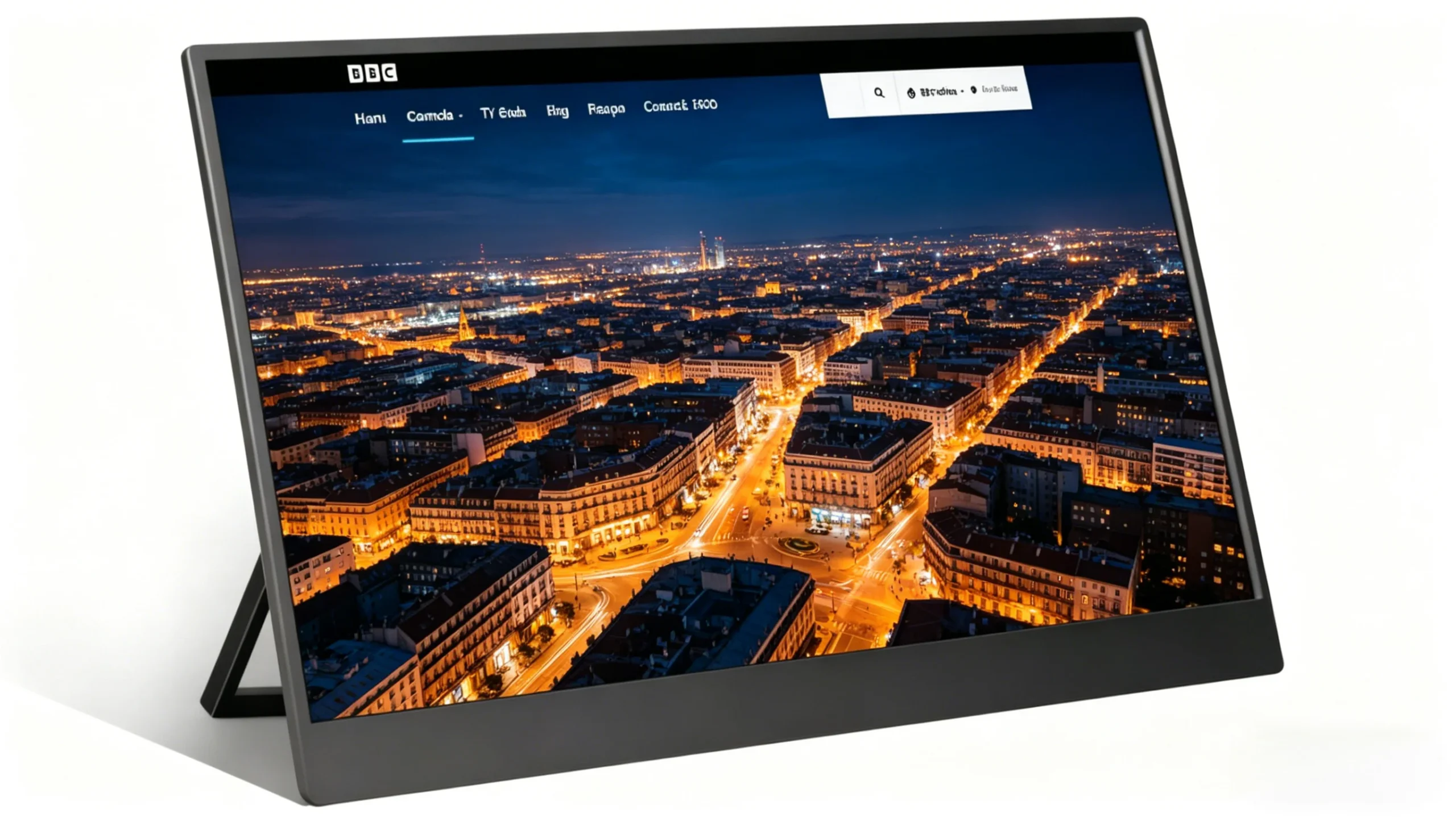
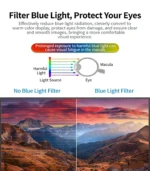
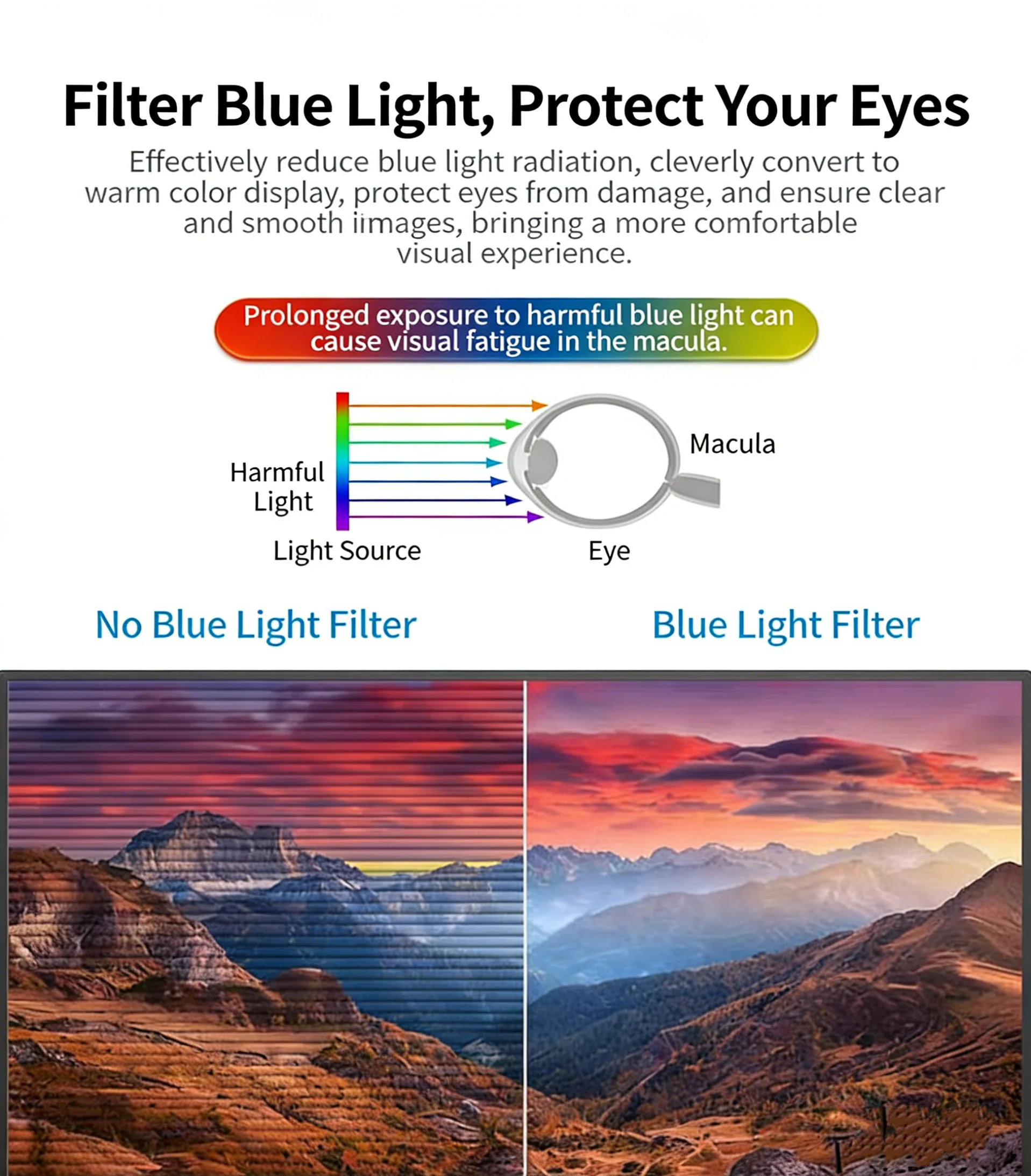
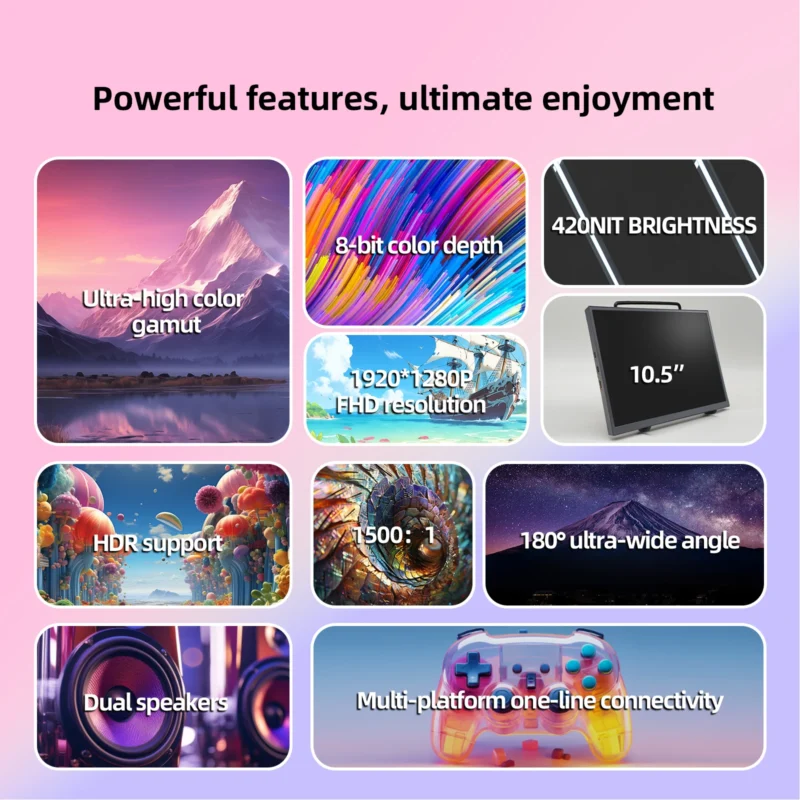
This portable touch monitor delivers outstanding image quality. The 16-inch IPS screen features a clear FHD resolution (1920×1200), covers 96% sRGB color gamut, with 300cd/m² brightness and 1200:1 contrast ratio. Whether for photo editing, video playback or office work, it presents natural colors and sharp details.
【USB-C Fast Connection】
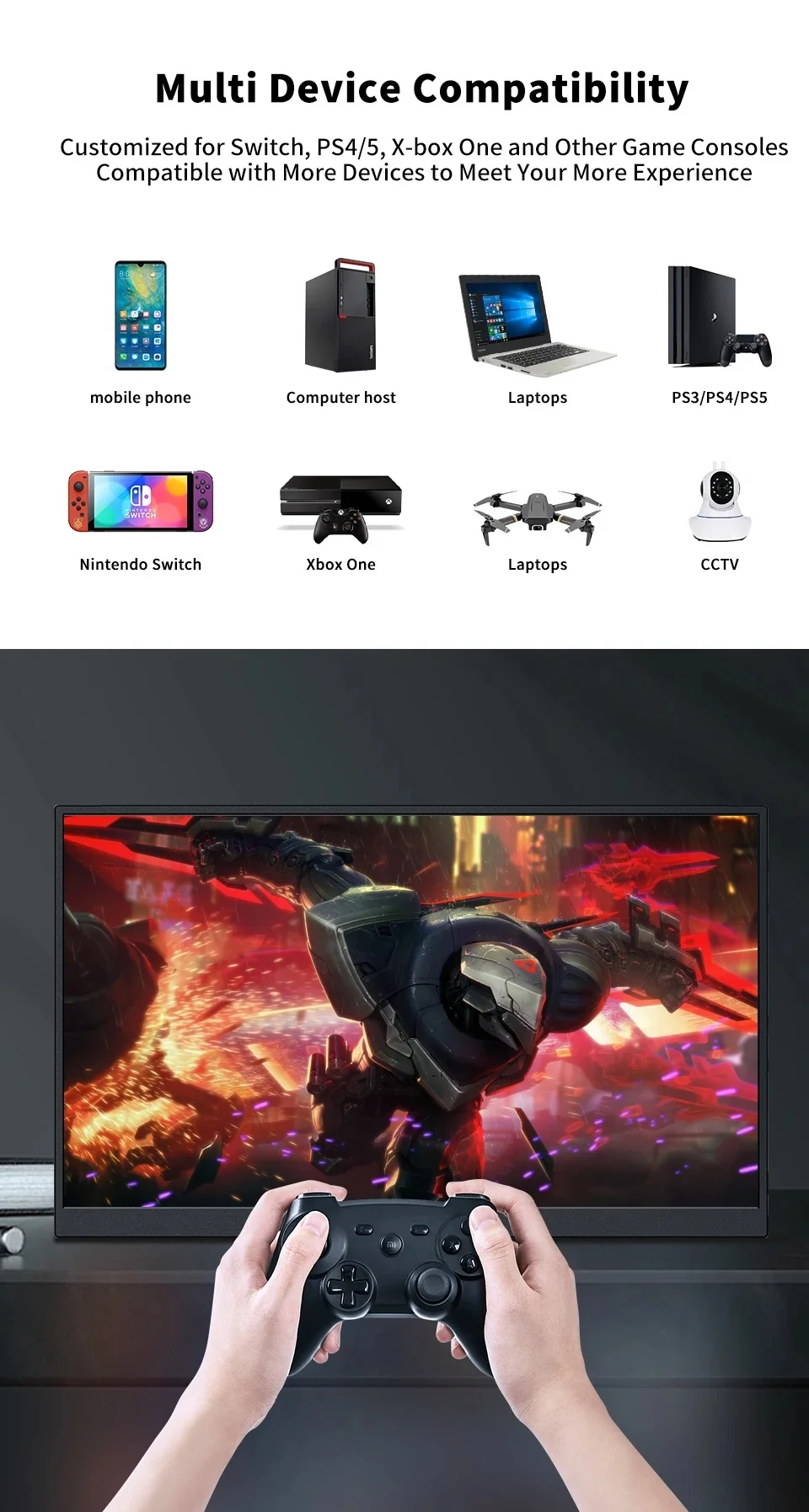
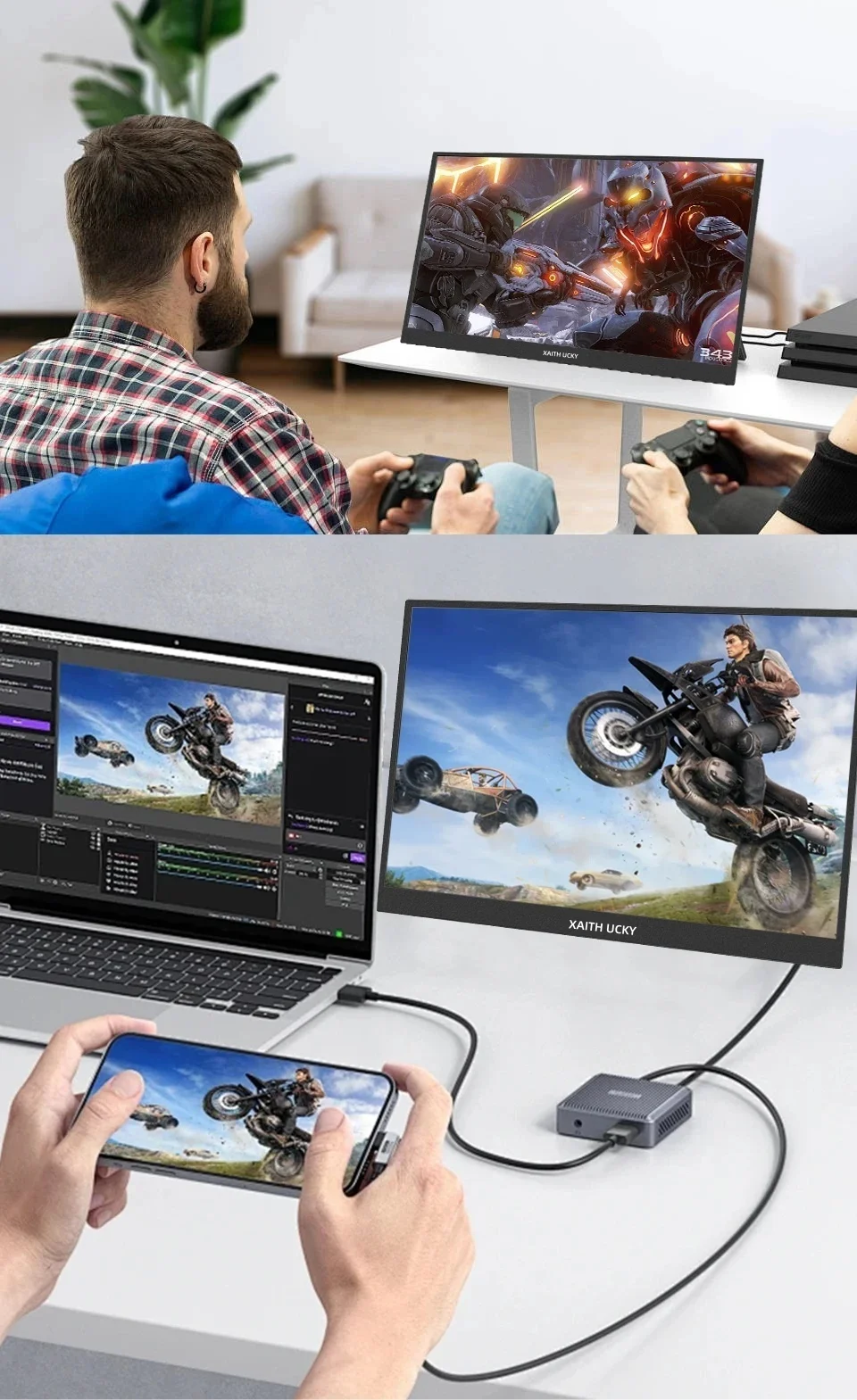
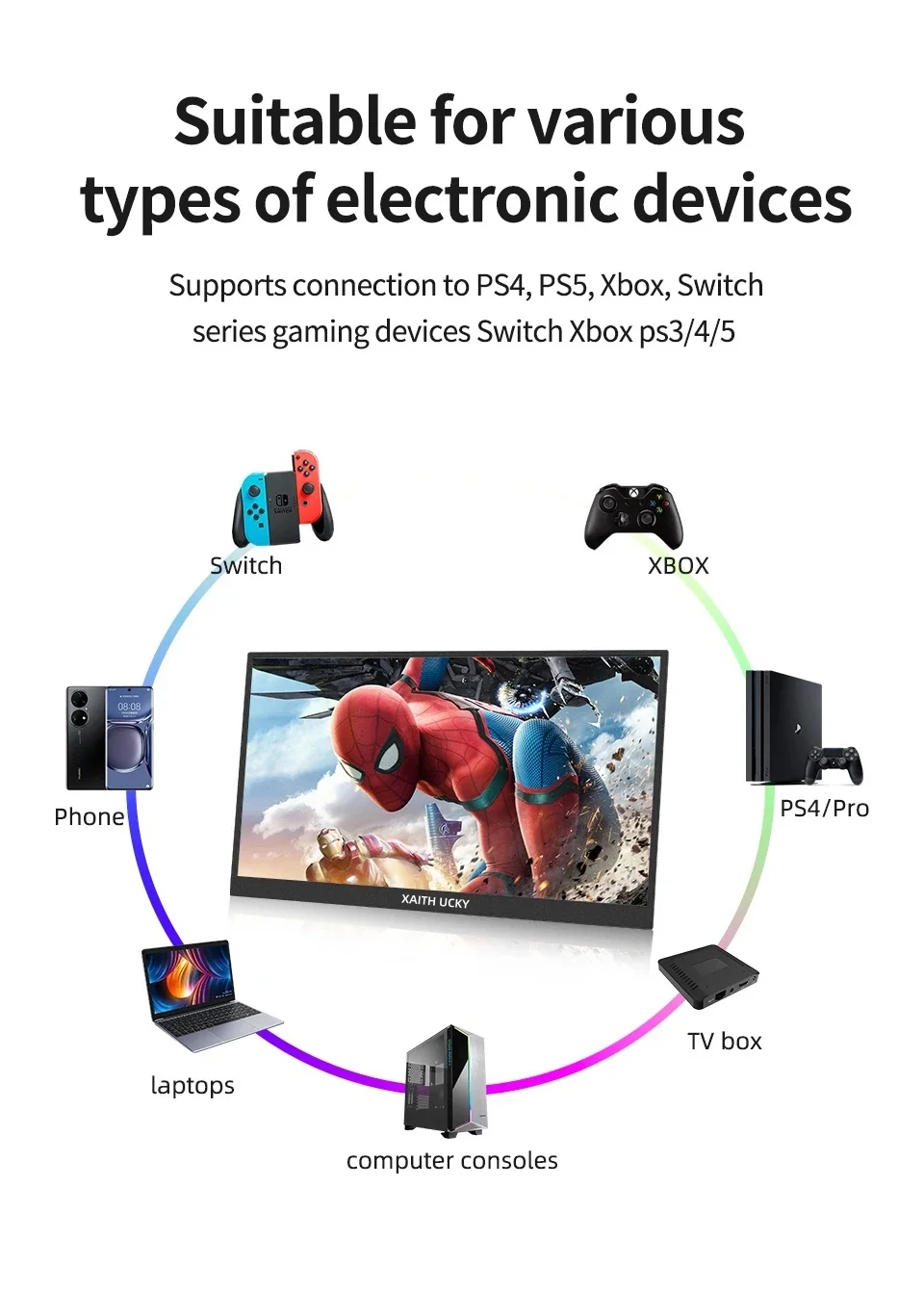
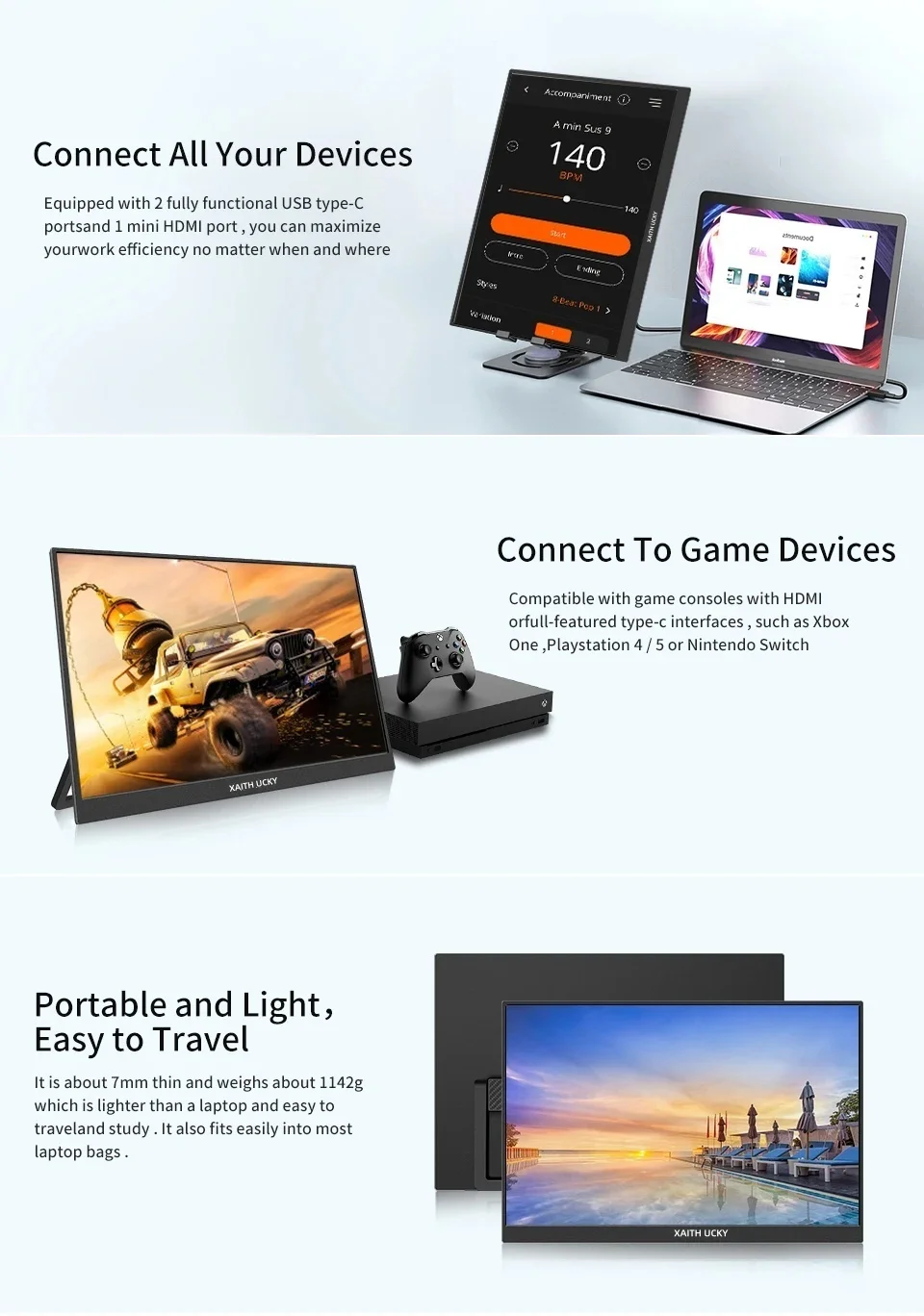
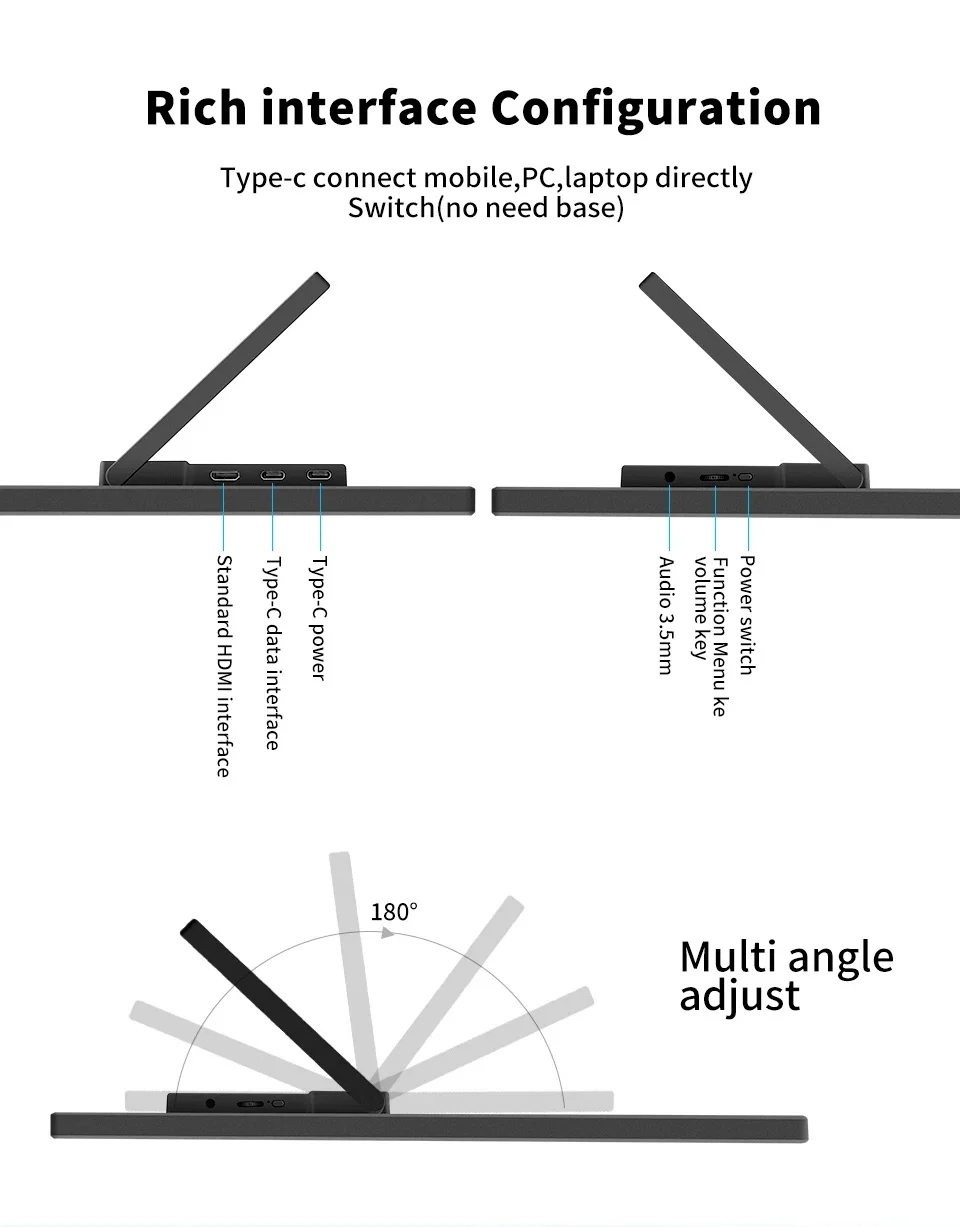
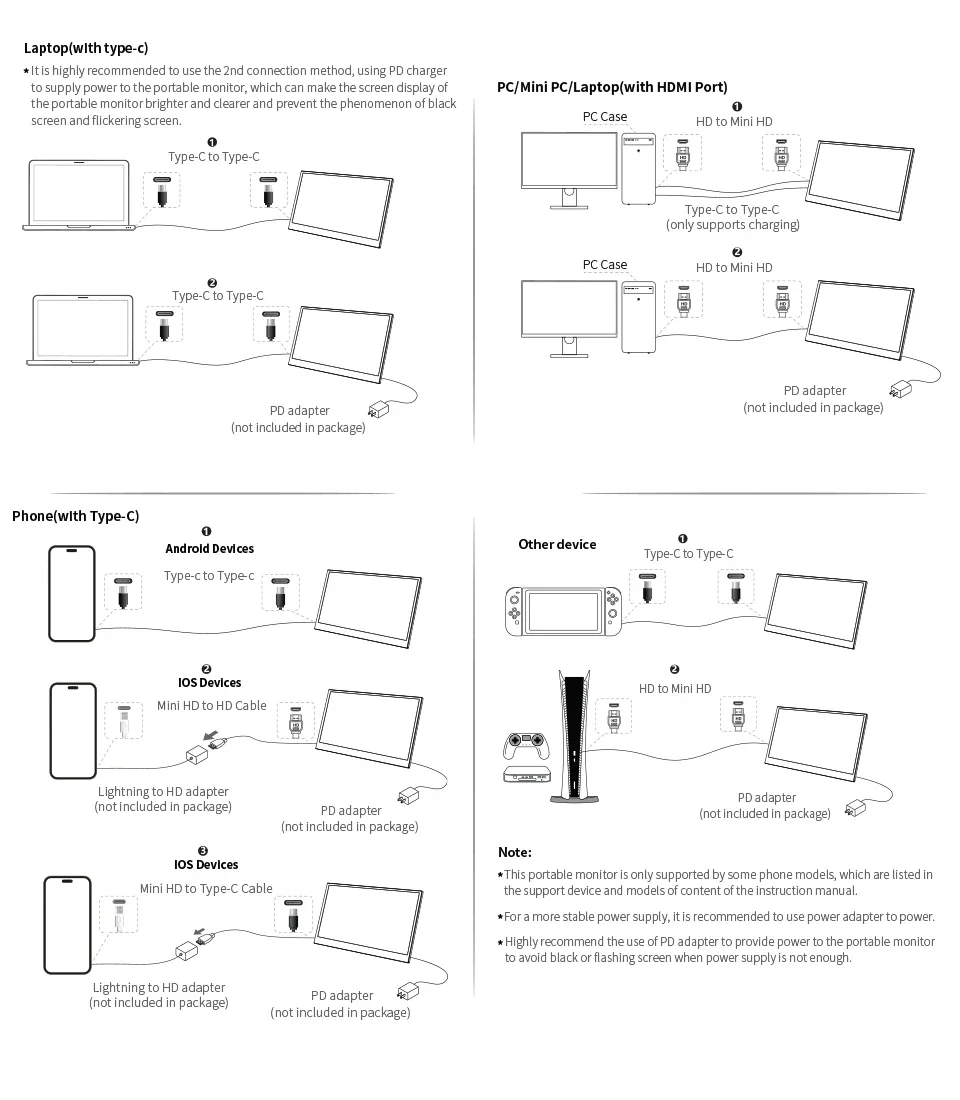
This portable monitor is equipped with dual USB-C ports and one mini-HDMI port. Connect it to your laptop, smartphone or tablet via a single USB-C cable to transmit video, power and touch control (requires a full-featured USB-C 3.1 port). No driver installation needed; the touchscreen is ready to use immediately.
【Adjustable Kickstand & VESA Mount】
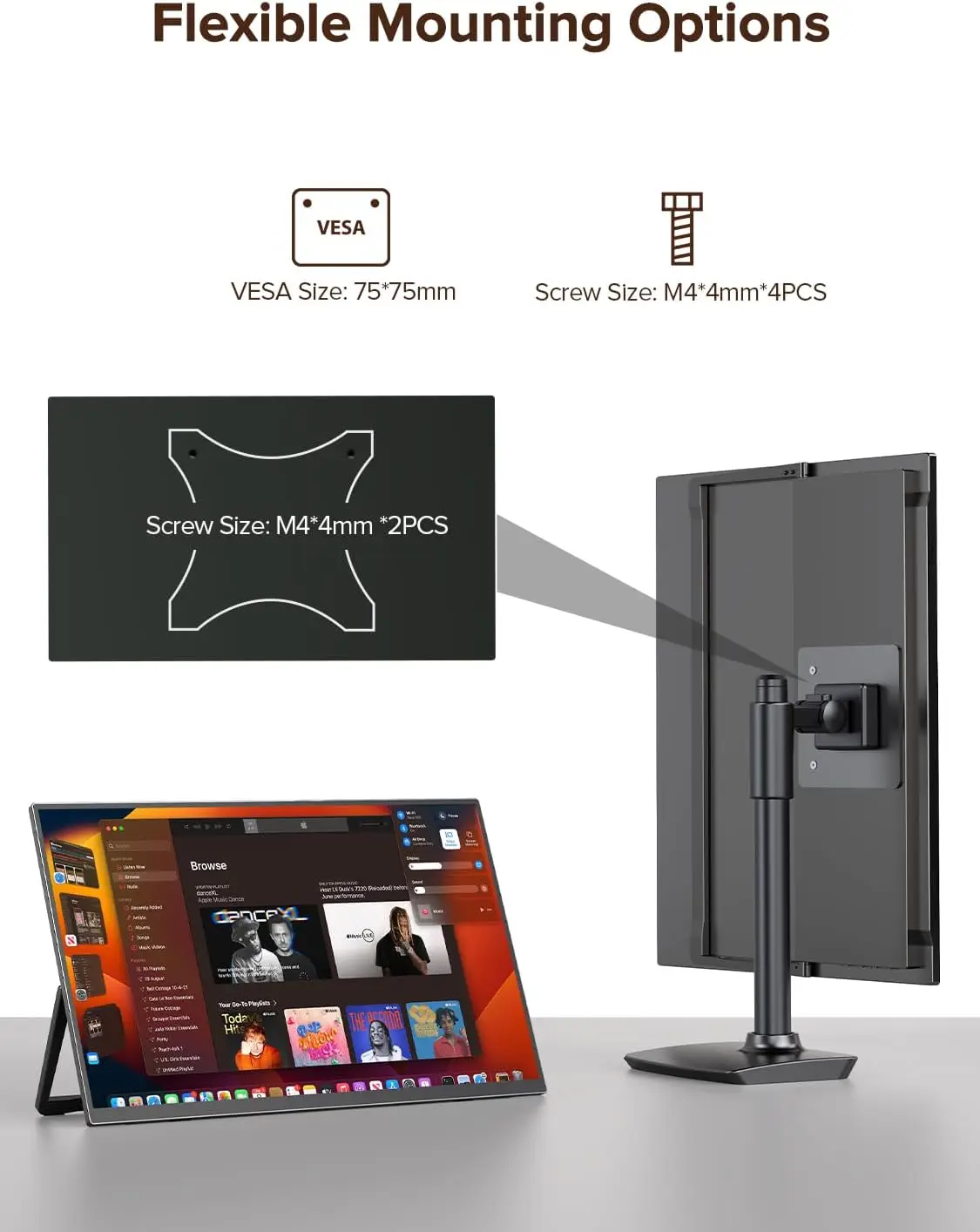
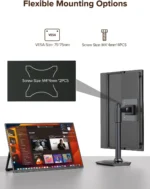
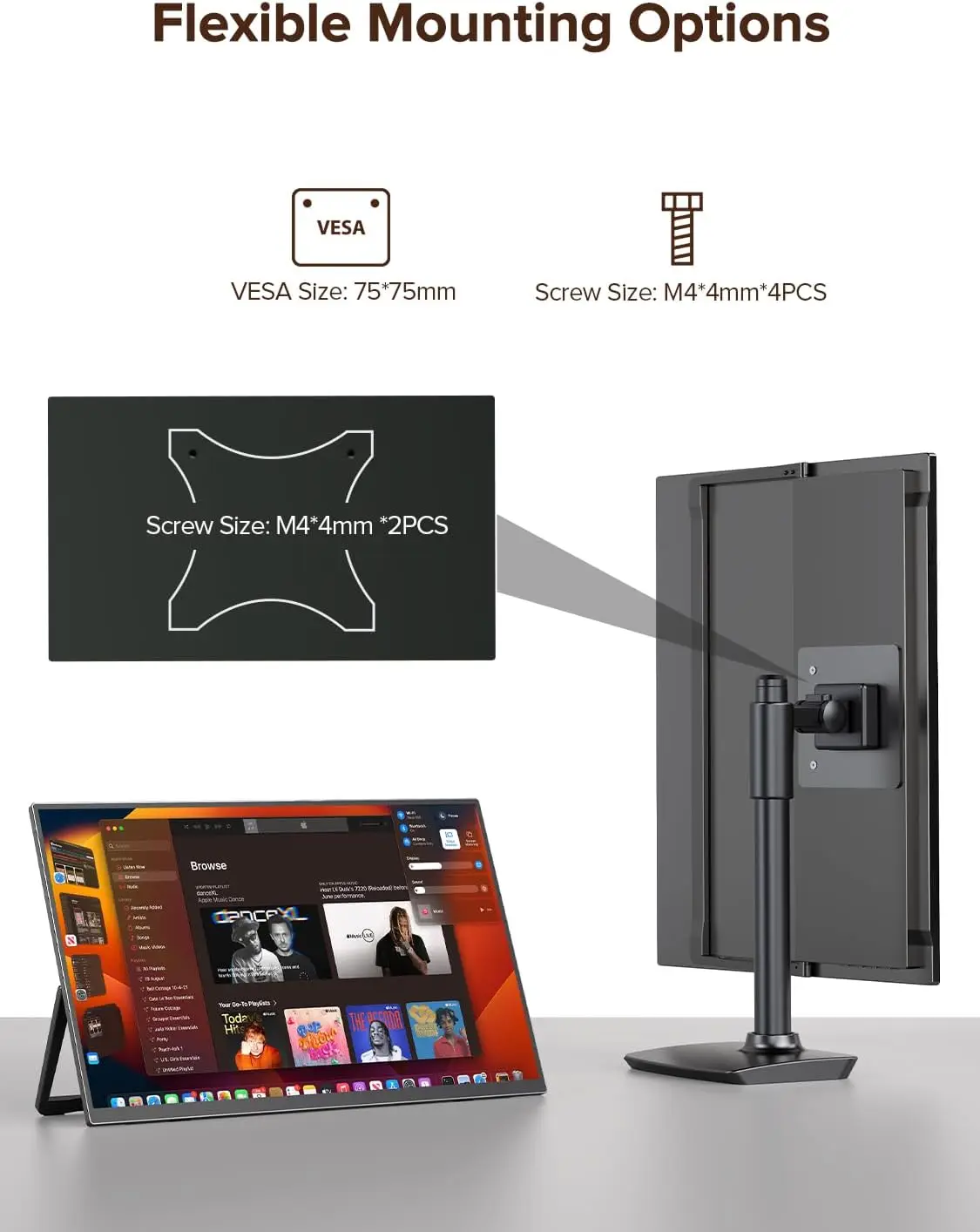
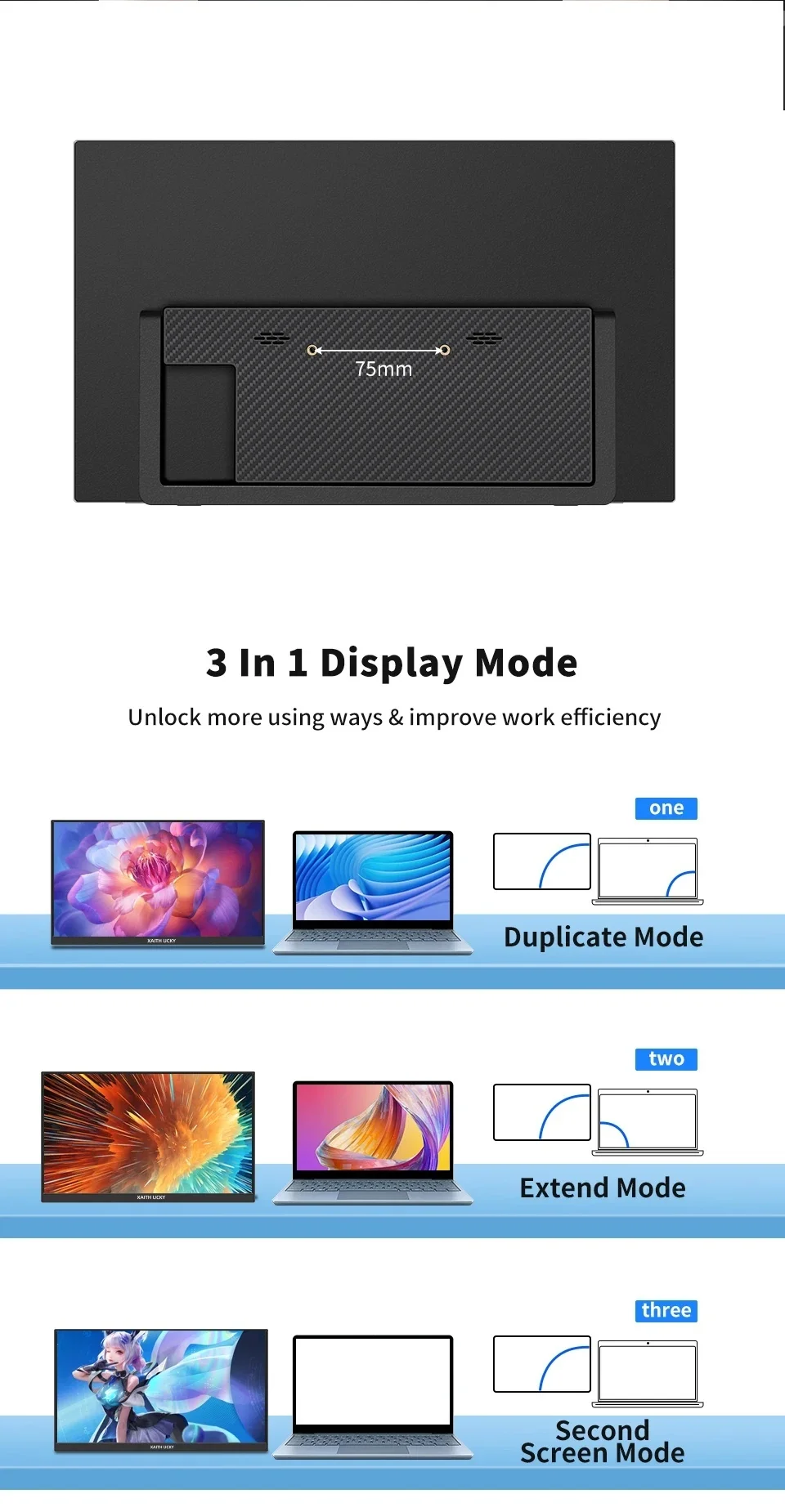
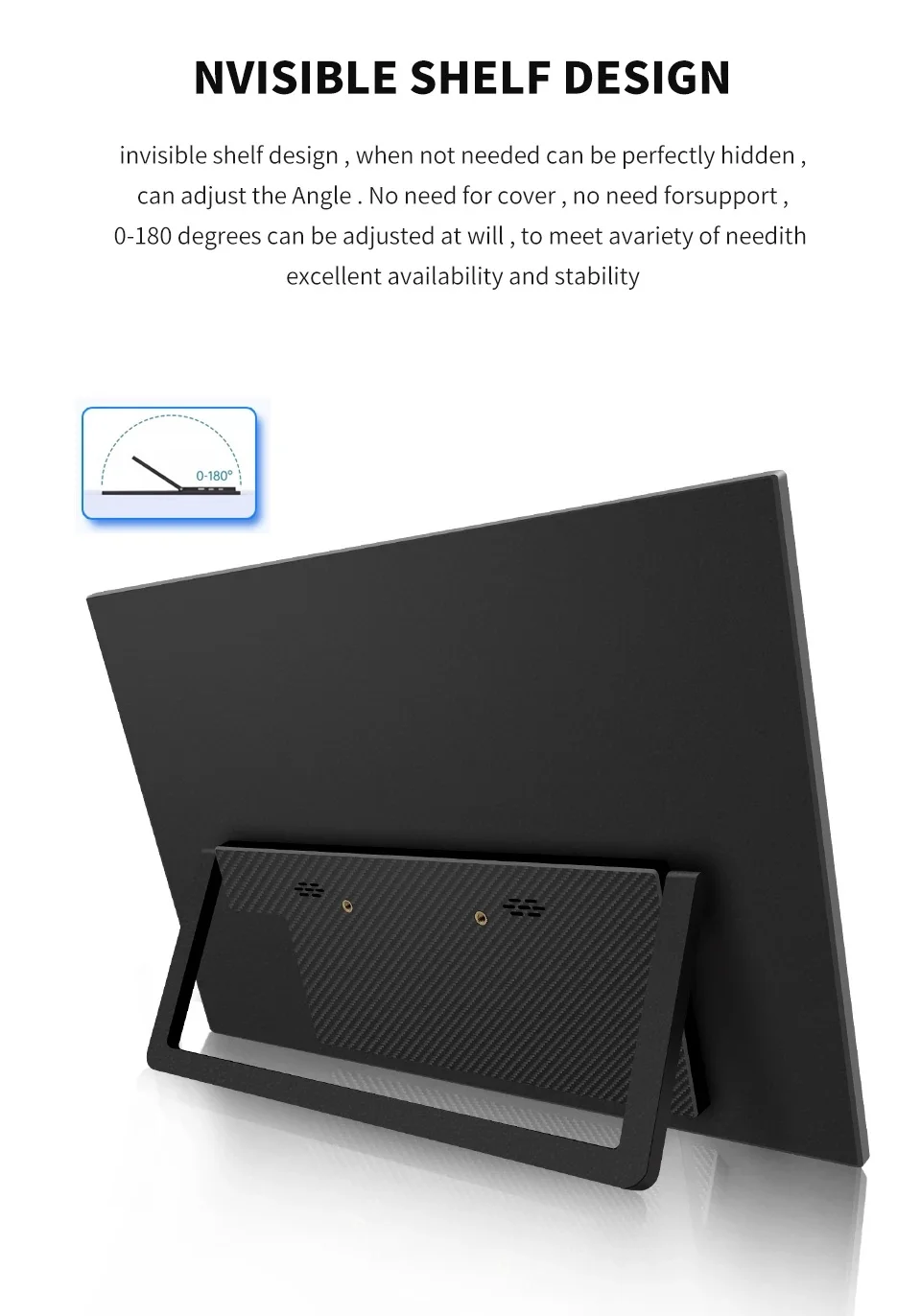
This portable touchscreen has a built-in 180° adjustable kickstand for the best ergonomic viewing angle. For more stable installation, the back supports standard VESA mount, compatible with regular wall and desk mounts.
 Q: The screen displays "blue no signal"
A: If you use a mobile phone to connect, you need to check whether the phone supports USB3.1 version output, whether it supports DisplayPort alternative mode (DP Alt Mode), and whether it supports MHL protocol mode. If not, it may be incompatible. You can use some converters for compatibility, such as: HD adapter cable. If not, it will display a blue no signal state. Please add a Mini HDMI to HDMI cable for signal transmission. If you use HDMI connection, you need to check whether your graphics card is connected correctly. As long as it displays blue no signal, it proves that there is no problem with the monitor, but there is no signal input. If there is a discrete graphics card, you must connect the discrete graphics card.
Q: Do I need to connect the power supply when using it?
A: The laptop uses a TPYE-C connection cable and does not need to be connected to the power supply. If the power supply is insufficient, the screen will flicker and USB power supply is required. If you use HDMI connection, you must use USB power supply. If the screen flickers, it may be insufficient power supply.
Q: What is the reason for the screen flickering?
A: The screen flickering is caused by insufficient output or power supply of your device. It is recommended to use a 30W or higher PD power supply.
Q: Does it support vertical screen:
A: The monitor itself does not have the vertical screen function, so it does not support vertical screen. These functions can only be set on the mobile phone. The monitor only provides display functions. Unless you set the mobile phone to computer mode or set the vertical screen on the computer, the monitor itself does not support vertical screen.
Q: Does it support touch function?
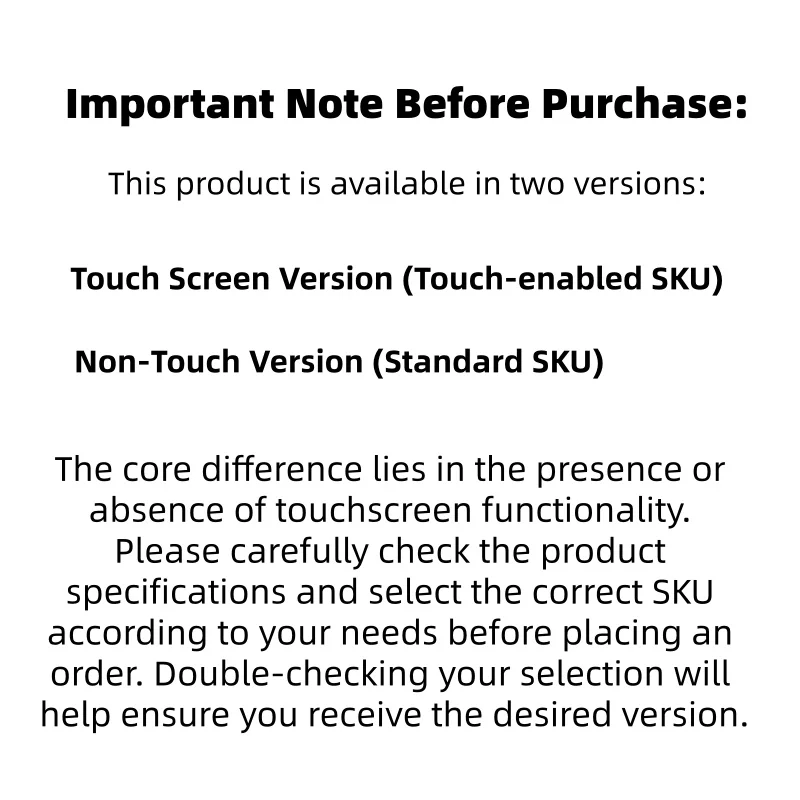
A: This product has two models: touch version and non-touch version. There is a difference between the touch version and the non-touch version. Please choose the corresponding model to place an order according to your needs to avoid purchasing the wrong model.
Q: My monitor cannot turn on.
A: Please check whether the monitor and your device are in power-on mode. Make sure the cable is connected correctly. Connect other available devices or cables to check.
If you use the USB-C interface connection: You can use the USB-C cable to achieve power supply and signal transmission (one line for two purposes, also known as one line pass) and get power directly from the laptop. If you use the HDMI interface connection, you must use a two-wire connection solution. The HDMI cable is only responsible for video signal transmission. You need an additional power supply solution. You can choose one of the following methods:
A1: Powered by a power adapter connected to the socket (30W and above PD power is recommended)
A2: Powered from the computer USB through a separate USB cable (If the computer USB power supply is insufficient, it may cause false alarms such as insufficient brightness, flickering, black screen, etc. It is recommended to use a 30W and above PD power supply).
Q: Why is my screen flickering?
A: Please check if the connection is loose. If there is no problem with the connection, the screen flickering is caused by insufficient output of your device or power supply. It is recommended to use a 30W or higher PD power supply. Please connect the adapter and use it again, or try to replace a new cable and device.
Q: Why does the monitor make an electric current sound or a rustling sound?
A: Please confirm the source of the noise. If it is a connection noise, please re-plug the interface or replace a new cable. If it is the sound of the adapter or speaker, it may be due to the quality problem of the power adapter.
Q: Why is my touch screen not working?
A1: When purchasing, please make sure you choose whether the purchase supports touch function.
A2: Check the connection: For laptops/desktops, connect both the HDMI and touch cables (included). For USB-C interfaces, your port must support Type-C 3.1+/Thunderbolt 3.
A3: Mobile phone compatibility: Supports direct screen projection, but may not support touch in desktop/extended mode.
A4: Best practice: Always connect: √HDMI cable, √ power cable, √ touch cable
A5: Computer system compatibility: Supports direct screen projection, or setting the touch screen as the main screen may not allow accurate touch, or support touch in secondary or extended mode.
Q: Does this computer monitor support VESA wall mounting?
A: Supports VESA wall mounting
Q: Are there speakers?
A: Yes, with built-in speakers.
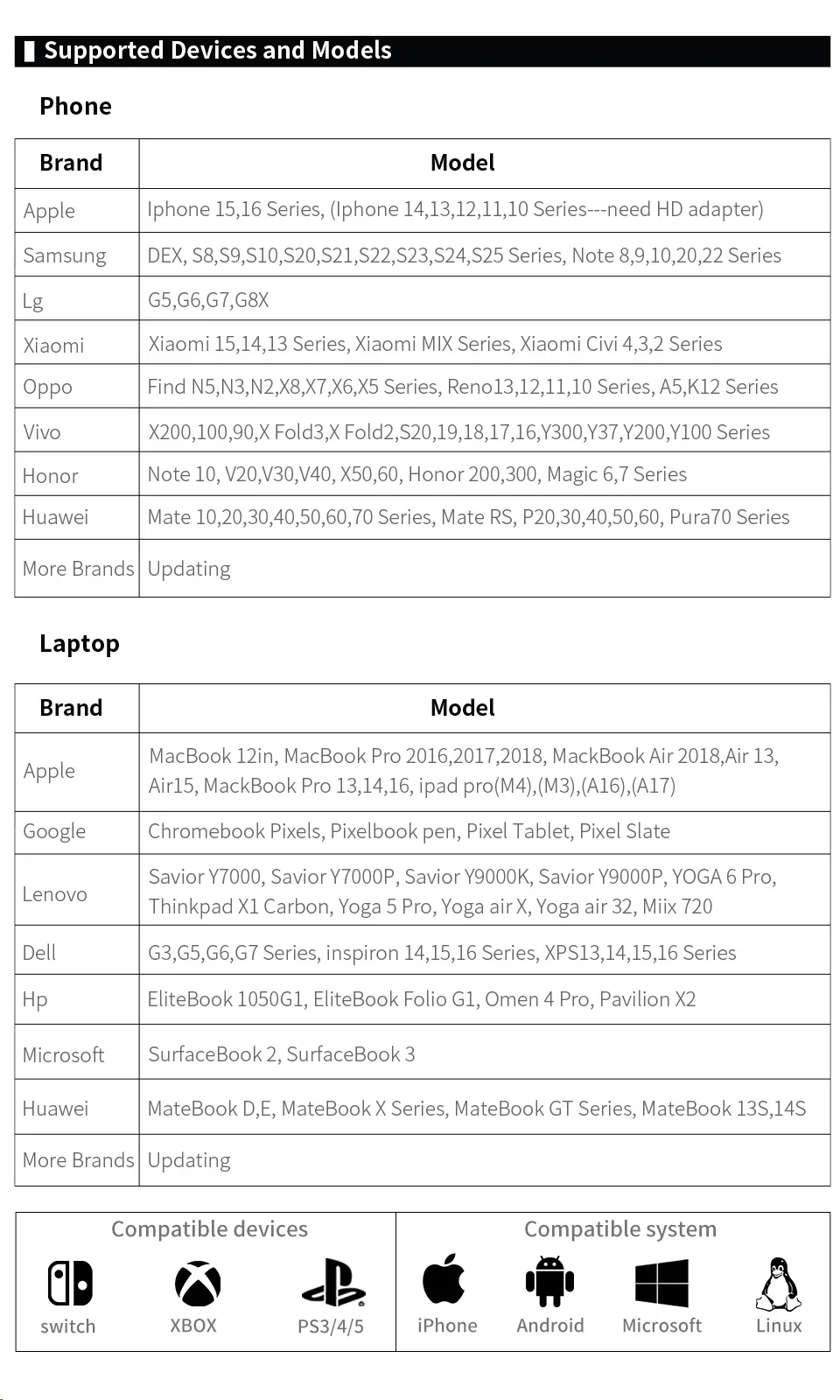
Q: Does it support Apple phones?
A: Basically not. However, after testing, the iPhone 15 PRO can project the screen, but does not support vertical screen and touch functions.
 Overview
| Color | Non-Touch Version, Touch Screen Version |
|---|
You may also like


 Backpacks
 Wireless Earbuds
 Coffee / Tea Accessories
 Water Bottles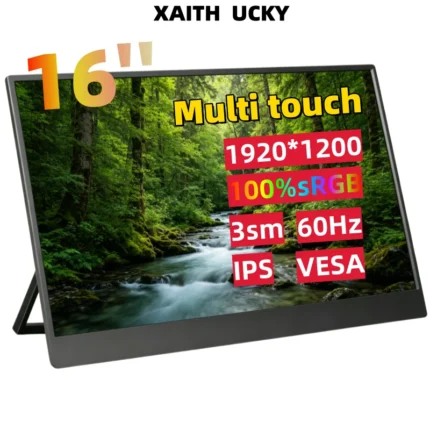
Reviews
There are no reviews yet.